

Return & review playbook: closing trips like a pro
How to run the post-trip inspection, file any pass-through charges, and write reviews that protect future bookings.
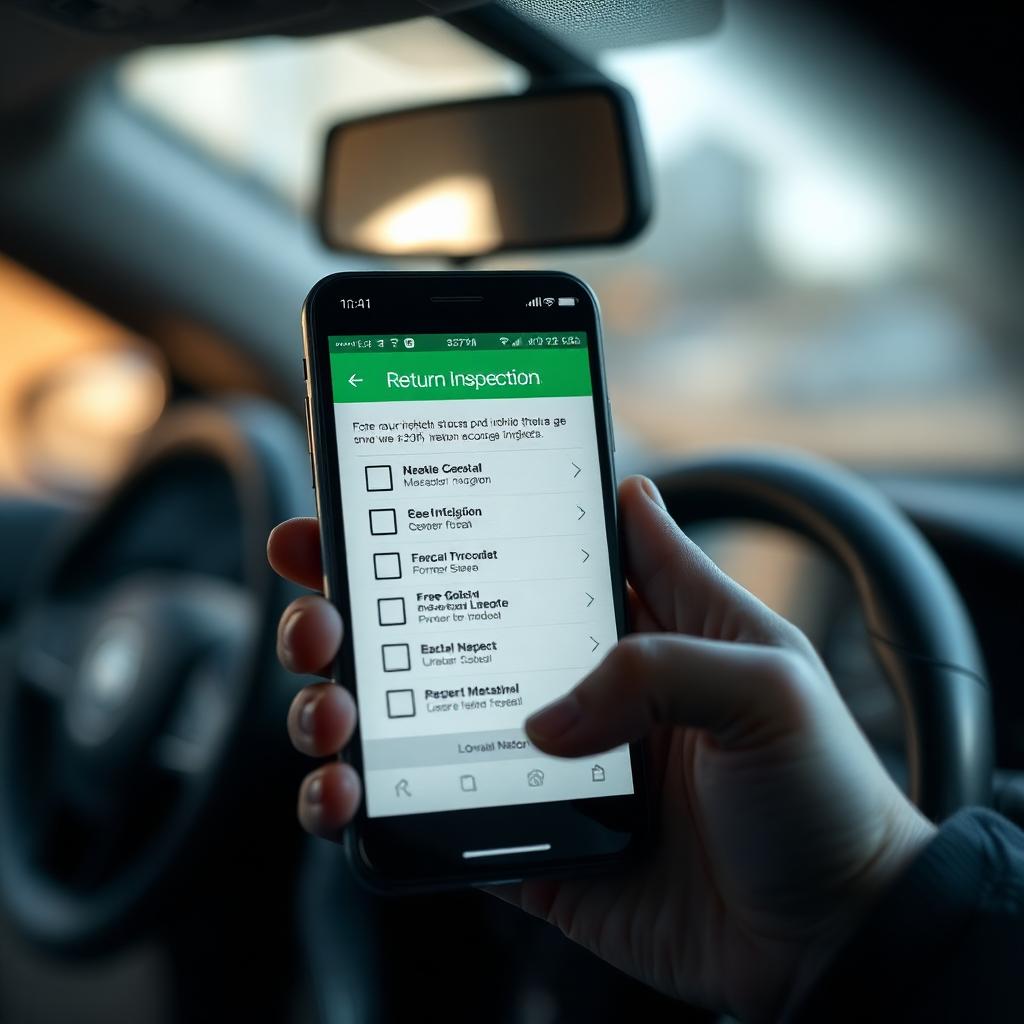
First five minutes after return
Greet the guest. Open the trip → Post-trip inspection. Walk the car together if possible. Most issues are easier to discuss in person than over messages later.
Photograph the same angles as pickup: four sides, two 3/4 angles, dashboard with odometer and fuel/battery, interior rows.
If everything looks good, tap Mark trip complete. The deposit hold begins releasing immediately.
If something's off
Damage: open a damage claim from the trip page. Upload pickup vs. return photos side by side and a repair estimate (or a body-shop quote). The guest has 5 days to respond before it auto-escalates.
Toll, citation, cleaning, fuel: use Pass-through charges → Add charge. Upload the receipt. The guest is notified instantly and can approve, partially approve, or dispute.
Never request money off-platform. Off-platform payments aren't covered by FairCar's deposit or dispute system.
Writing the review
Be honest and specific. 'Returned the car on time, full tank, spotless interior. I'd rent to her again.' Toggle the 'Cleaned to perfection!' tag if the car came back ready to re-rent without cleaning.
Five-star reviews from hosts feed into the guest's badge progress. If you skip the review, the guest can't earn the Sparkle Streak discount, even when they earned it.
Sign in and message the FairCar admin team from your in-app Messages. A real person replies within one business day. We don't outsource support.