

Expert play: EV hosting (charging policy, range anxiety, and DC fast costs)
Hosting an EV is more profitable than ICE, IF you write your charging policy clearly. Here's the policy language and the math.
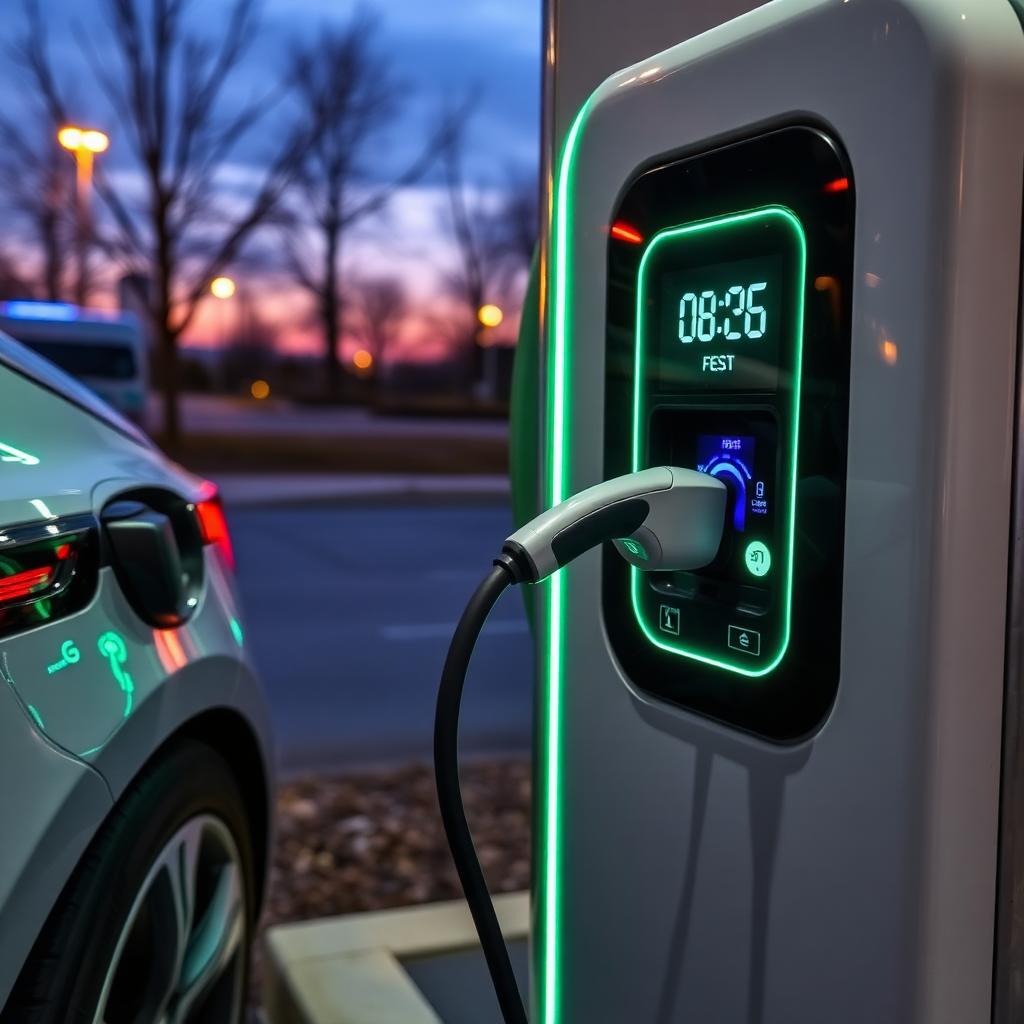
Set a return state-of-charge (SoC), not a 'full tank'
For example, you might deliver at 80% state of charge and require at least 20% at return. Choose the requirement that fits your vehicle and charging access rather than treating those percentages as a FairCar rule.
In your listing's Fuel return setting, choose "Charge to a set percentage (EV)" and enter the percentage. Add a Prepaid EV charge add-on to let guests prepay. If a guest who did not prepay returns below the requirement, check the shortfall box at post-trip check-in and FairCar charges them exactly the add-on price, with your dashboard photo as evidence. Without an add-on, add a charge from the trip page with the calculation and charging receipt so the guest can review it before billing.
What to leave the guest with
A laminated cheat sheet in the glovebox: home charger location, Tesla/EA/ChargePoint apps already installed on the dash if possible, your preferred local L3 stop, and the message 'No need to leave it plugged in at return. I'll handle it.'
For Tesla hosts: enable FairCar's Tesla Fleet integration so you can monitor SoC remotely and pre-condition the cabin for pickup. The guest never sees this; you just look magic.
Handling DC fast-charge invoices
If the guest used your home account to fast-charge at a Supercharger or EA station, the post-trip invoice usually lands 24–72 hours later. Open the trip → Pass-through charges → Add charge, upload the invoice PDF, and label it 'DC fast charging on {{date}}.'
Don't bundle DC charging into the cleaning fee. Itemize it with the charging receipt so the guest can review the exact amount.
Sign in and message the FairCar admin team from your in-app Messages. A real person replies within one business day. We don't outsource support.