

Damage claims: documentation that wins disputes
What to photograph, when to file, and how to structure a claim so the platform (and the guest) sides with you.
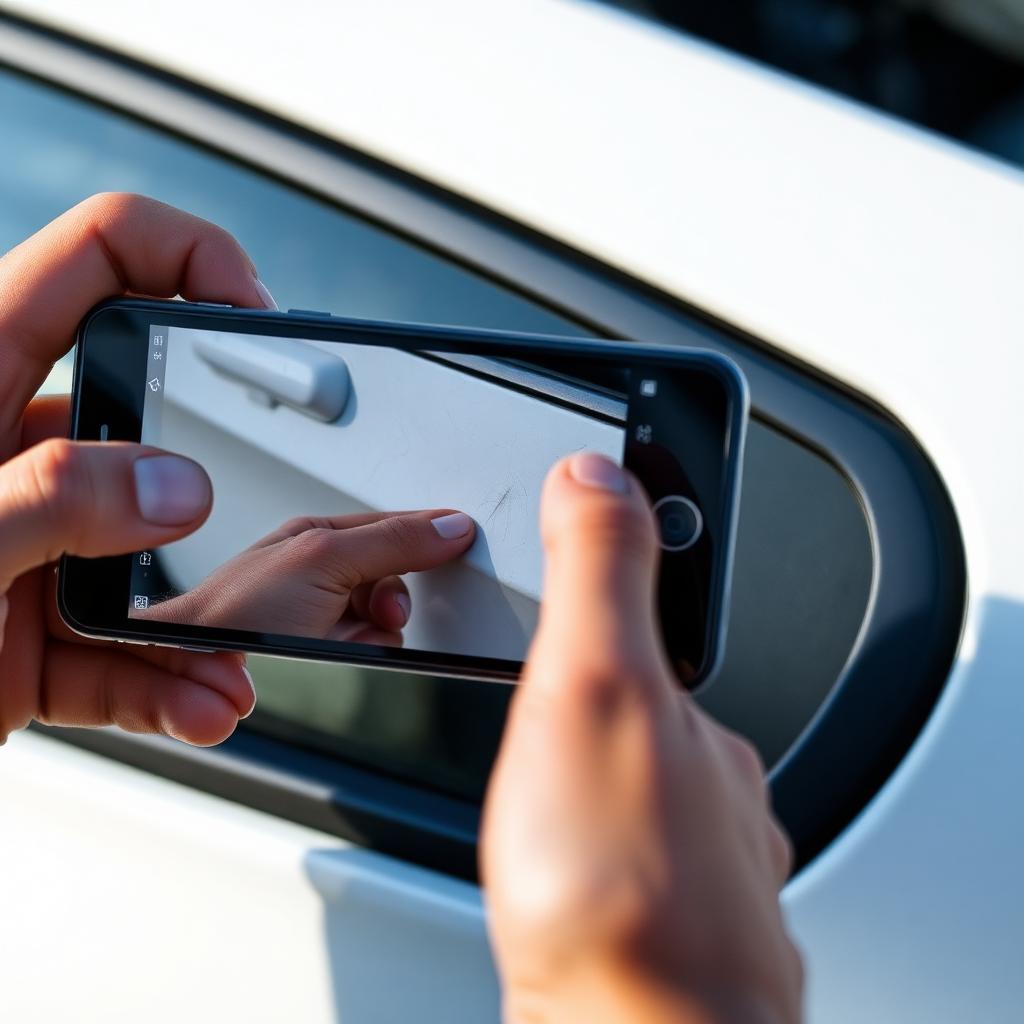
The 'before' photos win the case
Pre-trip inspection is your insurance policy. Without it, every existing scratch becomes 'the guest's fault' and disputes drag.
Shoot in daylight. Use the FairCar inspection flow so timestamps and GPS get embedded automatically.
Filing the claim
Open the trip → Damage claim. Pick the affected area (left fender, rear bumper, wheel, interior). Upload at least three photos: a wide context shot, a mid-range shot, and a close-up.
Attach a body-shop quote or itemized repair estimate. FairCar Trust & Safety will not approve a claim with no estimate attached.
File within 72 hours of trip end. Later claims are usually rejected unless there's an obvious reason for the delay (hidden mechanical damage that surfaced on the next drive).
What you'll actually receive
Approved damage is billed against the security deposit first. If repair exceeds the deposit, the host's commercial policy + the guest's personal auto policy handle the balance, never Venmo.
Sign in and message the FairCar admin team from your in-app Messages. A real person replies within one business day. We don't outsource support.